
1 line
8.8 KiB
JSON
1 line
8.8 KiB
JSON
{"repo": "blacktechx011/hacxgent", "files": {"README.md": {"df31b2ef673a321291eb25dd1adf0e738d87a514": {"t": 1785674378.1563017, "n": 8453, "h": "eb8683999e213a8d", "c": "\n<div align=\"center\">\n\n# Hacxgent\n\n[](https://pypi.org/project/hacxgent)\n[](https://www.python.org/downloads/release/python-3120/)\n[](LICENSE)\n\n**The Professional CLI Coding Agent for Precision Engineering.**\n\n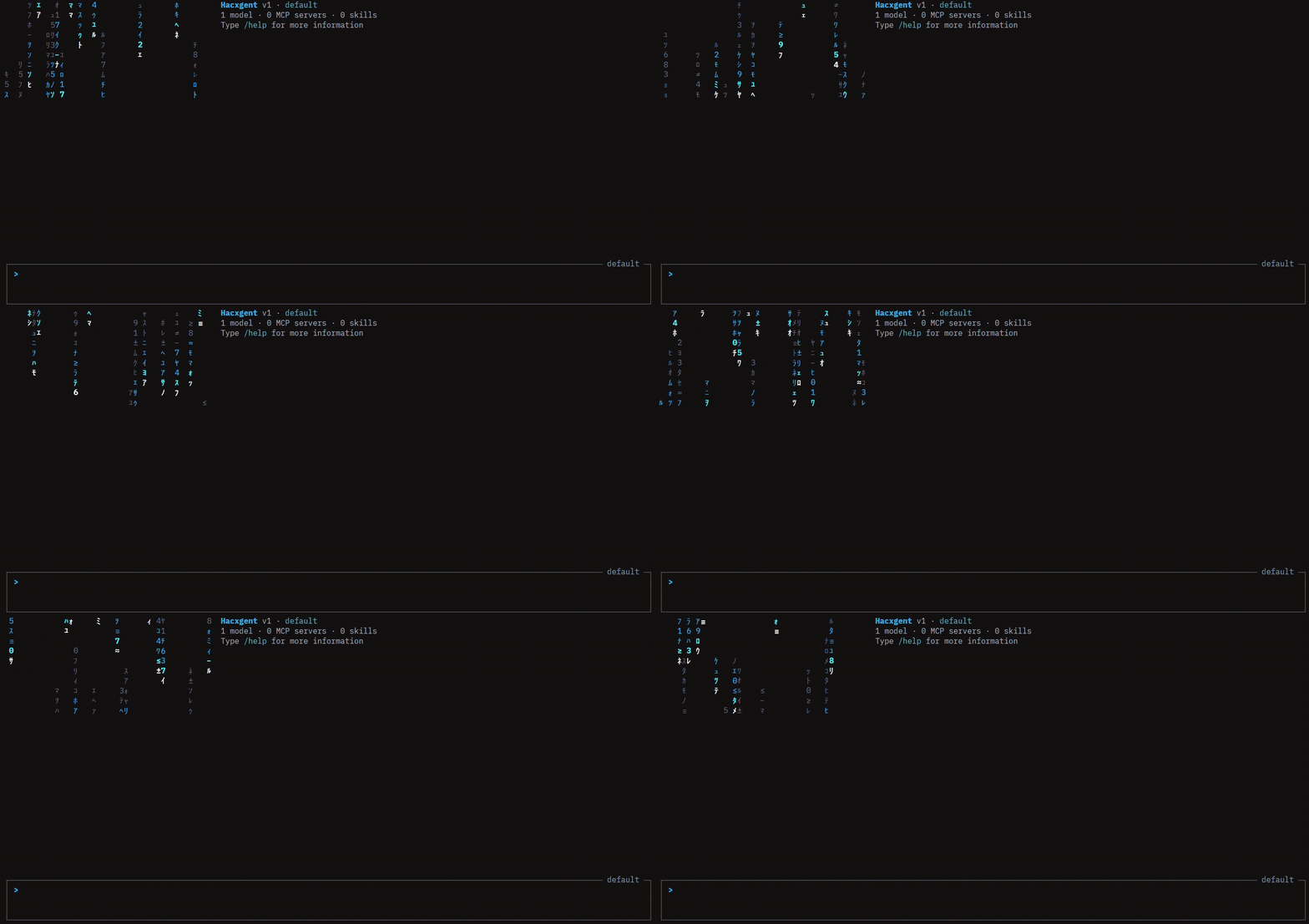\n\n*Hacxgent goes beyond simple chat—it is an autonomous agent capable of structural analysis, surgical code modification, and long-horizon task execution with unmatched context efficiency.*\n\n</div>\n\n---\n\n## 🌟 Key Innovations\n\n- 🧠 **Smart Context Compaction**: Normal agents exhaust memory quickly by leaving massive file outputs in the context window. Hacxgent intelligently compresses these histories. Heavy tool outputs are surgically replaced with tiny memory markers. The agent never forgets its steps, but memory stays infinitely lean.\n- 🔓 **Zero Provider Lock-In**: Complete freedom. Connect to OpenAI, Anthropic, Ollama, Groq, or any OpenAI-compatible local/remote model via a lightweight JSON configuration.\n- 💻 **Advanced Matrix-Grade CLI**: A professional terminal UI featuring auto-completion, collapsible tool outputs, persistent history, and surgical file patching tools.\n- ⚙️ **JSON-First Configuration**: Streamlined, standard, and easy to parse. All configurations (`settings.json`, `trusted_folders.json`) are purely JSON.\n\n---\n\n<details>\n<summary><b>📖 Table of Contents</b> (Click to expand)</summary>\n\n- [Installation](#-installation)\n- [Quick Start](#-quick-start)\n- [Smart Memory Architecture](#-smart-memory-architecture)\n- [Usage & CLI Features](#-usage--cli-features)\n- [Built-in Agents & Subagents](#-built-in-agents--subagents)\n- [The Hacxgent Toolset](#-the-hacxgent-toolset)\n- [Configuration (JSON)](#-configuration-json)\n- [Skills System](#-skills-system)\n- [MCP Server Integration](#-mcp-server-integration)\n- [Documentation & License](#-documentation)\n\n</details>\n\n---\n\n## 🚀 Installation\n\n### Using `uv` (Recommended)\n\nFirst, install `uv` (a fast Python package installer):\n```bash\n# Windows\npowershell -ExecutionPolicy ByPass -c \"irm https://astral.sh/uv/install.ps1 | iex\"\n\n# macOS/Linux\ncurl -LsSf https://astral.sh/uv/install.sh | sh\n```\n\nThen, install Hacxgent:\n```bash\nuv tool install hacxgent\n```\n\n### Using `pip`\n```bash\npip install hacxgent\n```\n\n---\n\n## ⚡ Quick Start\n\n1. **Navigate to your project root:**\n ```bash\n cd /path/to/your/project\n ```\n\n2. **Launch Hacxgent:**\n ```bash\n hacxgent\n ```\n\n3. **First Run Setup:** \n Hacxgent will create a default configuration at `~/.hacxgent/settings.json`. It will prompt you to enter your preferred API provider and keys (saved securely to `~/.hacxgent/.env`).\n\n4. **Start Coding:**\n ```text\n > Find all instances of the word \"TODO\" and summarize what needs to be done.\n ```\n\n---\n\n## 🧠 Smart Memory Architecture\n\nHacxgent solves the **Context Exhaustion** problem that plagues standard coding agents.\n\n> **❌ The Problem:** Agents read a 2,000-line file, and that 8k+ token output sits in the chat history permanently. After 4-5 file reads, the LLM hallucinates or hits token limits.\n>\n> **✅ The Hacxgent Solution:** Utilizing a **Rolling Compaction Middleware**, Hacxgent dynamically strips out massive text blocks after they are read, replacing them with optimized markers (e.g., `[REDACTED: Output of read_file (5,400 chars). Key context: src/core/loop.py.]`). Result: Essentially **infinite context horizons**.\n\n---\n\n## 🖥️ Usage & CLI Features\n\n### Interactive Mode\nRun `hacxgent` to enter the heavily optimized interactive chat loop:\n\n* **`@` Autocomplete:** Type `@` to get smart autocompletion for files in your project *(e.g., `> Read @src/agent.py`)*.\n* **`/` Slash Commands:** Type `/` to access meta-actions (`/help`, `/clear`, `/compact`, `/status`).\n* **`!` Shell Passthrough:** Prefix with `!` to run standard terminal commands *(e.g., `> !npm run build`)*.\n\n**Pro Keyboard Shortcuts:**\n* <kbd>Ctrl</kbd> + <kbd>G</kbd> : Write your prompt in an external editor (Vim/VSCode).\n* <kbd>Ctrl</kbd> + <kbd>O</kbd> : Collapse or Expand raw tool outputs.\n* <kbd>Ctrl</kbd> + <kbd>T</kbd> : Toggle the internal Todo list view.\n* <kbd>Shift</kbd> + <kbd>Tab</kbd> : Toggle Auto-Approve mode on/off.\n\n### Programmatic Mode (CI/CD)\nRun Hacxgent non-interactively for scripting pipelines:\n```bash\nhacxgent --prompt \"Refactor main() in cli.py to be modular.\" --max-turns 5 --output json\n```\n\n---\n\n## 🤖 Built-in Agents & Subagents\n\nHacxgent ships with specialized profiles tailored for different risk levels:\n\n| Agent | Description |\n|---|---|\n| `default` | Standard agent. Requires manual approval for risky tool executions (writes, deletes). |\n| `plan` | Read-only exploration and architecture mapping. |\n| `accept-edits`| Automatically approves code modifications (`write_file`), but asks for shell commands. |\n| `auto-approve`| Full autonomy. *Use only in trusted, version-controlled environments.* |\n\nSelect an agent via CLI:\n```bash\nhacxgent --agent plan\n```\n\n### Subagent Delegation\nHacxgent can parallelize work by delegating tasks to subagents without cluttering your main context window:\n```text\n> Can you explore the codebase structure while I work on something else?\n🤖 I'll delegate this to the explore subagent.\n> task(task=\"Analyze the project architecture\", agent=\"explore\")\n```\n\n---\n\n## 🛠️ The Hacxgent Toolset\n\nDesigned for **surgical precision**, replacing fragile search/replace mechanisms with smart file patching:\n\n* 📁 **File Operations:** `read_lines`, `write_file`, `replace_lines` *(1-indexed, surgical swapping)*, `file_meta` *(Knowledge Map generation)*.\n* 💻 **System Tools:** `bash` *(stateful terminal)*, `grep` *(recursive fast search)*.\n* 🧠 **Agentic Tools:** \n * `todo`: Allows the agent to self-manage complex, multi-step tasks.\n * `ask_user_question`: Pauses execution to render an interactive prompt to the user.\n * `impact_analyzer`: Maps symbol dependencies project-wide before refactoring.\n\n---\n\n## ⚙️ Configuration (JSON)\n\nHacxgent uses strictly standard `.json` files. The main configuration is located at `~/.hacxgent/settings.json`.\n\n👉 [**Full Configuration Reference (DOCS/SETTINGS.md)**](DOCS/SETTINGS.md)\n\n### Bring Your Own LLM (Provider Agnostic)\nConfigure any OpenAI-compatible endpoint. Example `settings.json`:\n```json\n{\n \"system_prompt_id\": \"cli\",\n \"active_model\": \"llama3\",\n \"providers\": [\n {\n \"name\": \"LocalOpenAI\",\n \"api_base\": \"http://localhost:11434/v1\",\n \"api_key_env_var\": \"OLLAMA_API_KEY\"\n },\n {\n \"name\": \"Groq\",\n \"api_base\": \"https://api.groq.com/openai/v1\",\n \"api_key_env_var\": \"GROQ_API_KEY\"\n }\n ],\n \"enable_auto_update\": true\n}\n```\n\n**API Keys** are stored safely in `~/.hacxgent/.env`:\n```env\nOLLAMA_API_KEY=your_key_here\nGROQ_API_KEY=gsk_...\n```\n\n---\n\n## 🧩 Skills System & MCP Integration\n\n### Skills System\nExtend Hacxgent with reusable capabilities conforming to the [Agent Skills specification](https://agentskills.io/specification).\n1. Create a skill directory: `~/.hacxgent/skills/code-review/`\n2. Create a `SKILL.md` file with YAML frontmatter.\n3. Enable it in your `settings.json` under `\"enabled_skills\"`.\n\n### MCP Server Integration\nHacxgent natively supports the **Model Context Protocol (MCP)** to connect to external databases and tools seamlessly via `settings.json`:\n```json\n{\n \"mcp_servers\": [\n {\n \"name\": \"postgres_db\",\n \"transport\": \"stdio\",\n \"command\": \"uvx\",\n \"args\": [\"mcp-server-postgres\", \"postgresql://localhost/mydb\"]\n }\n ]\n}\n```\n\n---\n\n## 📚 Documentation \n\nFor comprehensive guides and advanced setups, please refer to the following:\n* [**Configuration Reference**](DOCS/SETTINGS.md): Exhaustive guide to settings, providers, and tweaks.\n* [**Memory Management**](MEMORY_MANAGEMENT.md): Deep dive into Hacxgent's unique context compaction architecture.\n* [**Contribution Guidelines**](CONTRIBUTING.md): How to get involved and extend Hacxgent.\n\n## 📄 License\nHacxgent is released under the **Apache-2.0 License**. See [LICENSE](LICENSE) for details.\n\n---\n<div align=\"center\">\n<i>Core architecture inspired by Mistral Vibe. Re-engineered by BlackTechX for universal provider support and advanced memory management.</i>\n</div>\n"}}}} |